
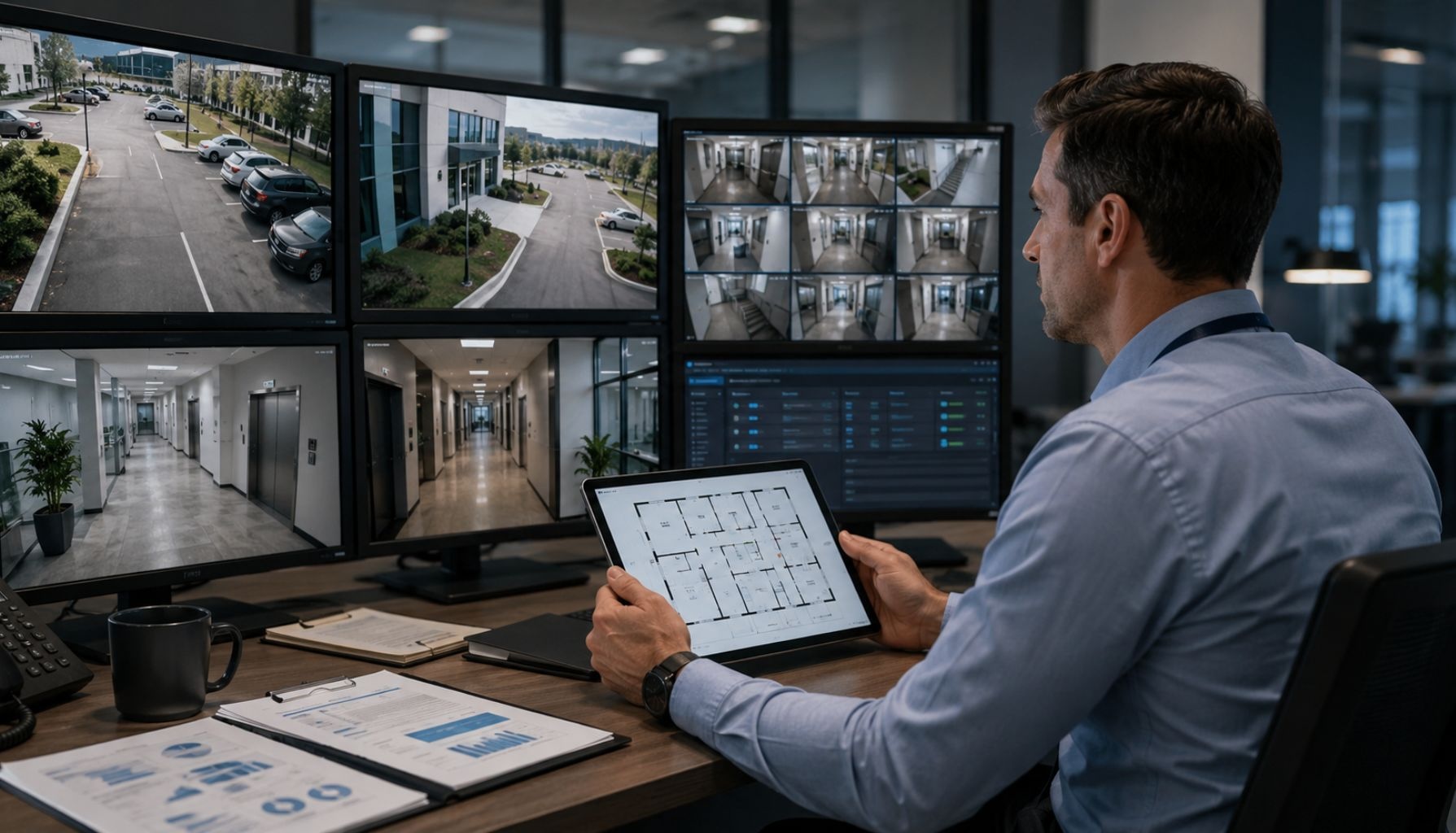
Business operations rarely stay the same all year.
Employees join, leave, or change roles. Vendors come and go. Delivery schedules shift. Teams use different entrances, storage areas, offices, parking spaces, and loading zones.
A security strategy that worked in January may not fully support how your property operates by June.
That is why mid-year is the right time to pause and evaluate your commercial security strategy.
This review focuses on physical security, including access control, video surveillance, intrusion detection, alarm monitoring, emergency response, and the physical areas around your property.
A mid-year security review helps your business understand what has changed, what still works, and what needs attention before small gaps become larger risks.
The goal is not only to check systems. It is to reduce risk, improve response, and make security easier to manage before the second half of the year gets busier.
Your security strategy should not run on assumptions.
It should support the way your property works today.
Why Mid-Year Is a Strategic Checkpoint
The middle of the year gives your business a useful reset point.
By now, you have enough activity behind you to see patterns. You can identify where your security systems support daily operations and where they create confusion, delays, or risk.
You also still have time to make changes before the second half of the year brings new pressure. Seasonal schedules, heavier traffic, budget planning, weather changes, and staffing updates can all affect commercial security.
A mid-year review is not about replacing every system.
It is about asking better questions:
- Does our security strategy still match our operations?
- Have staffing or vendor changes created access gaps?
- Are cameras still covering the areas that matter most?
- Do alarms and monitoring procedures support fast response?
- Are we planning, or only reacting when something breaks?
When you answer these questions early, your business can make smarter decisions before small issues become more expensive to fix.
Look at How the Business Has Changed Since January
Security gaps often appear when business operations change, but security systems stay the same.
A company may add staff, adjust hours, change vendors, move inventory, renovate a space, or use a different entrance more often. Each change can affect how people move through the property.
Start by reviewing what has changed since the beginning of the year.
Common changes include:
- New employees or former employees
- New vendors, contractors, or cleaning teams
- Updated business hours
- Different delivery schedules
- More visitors or customer traffic
- New restricted areas
- Renovations, signage, shelving, or landscaping
- Updated inventory or equipment storage
- Expanded locations or added workspaces
These changes may seem normal from an operations standpoint. From a security standpoint, they can create blind spots, outdated access permissions, slower response, or unclear procedures.
The goal is to compare your current security setup against how the property actually works now.
Reassess Whether Access Rules Still Match Current Roles
Access control should reflect current roles, responsibilities, and schedules.
If your access control system has not been reviewed in months, it may include people who no longer need access. Former employees may still have active badges. Vendors may have broader permissions than necessary. Staff may have access to restricted areas that no longer match their role.
This creates avoidable risk.
Instead of only checking whether the system works, ask whether the access rules still make sense.
A strong access control review should answer:
- Who currently has access?
- Who no longer needs access?
- Do vendors have the right access windows?
- Do door schedules match current operating hours?
- Are restricted areas protected appropriately?
- Can managers review after-hours access events quickly?
Access control should make movement easier for authorized people and harder for unauthorized people.
That balance matters.
If access rules are too loose, the business carries unnecessary risk. If they are too restrictive, employees and vendors may work around the system. The right setup supports daily operations without weakening protection.
Measure Camera Coverage Against How the Property Is Used Today
Video surveillance should give your business useful visibility.
A camera system may still record, but that does not mean it still supports your current security needs. Camera views change as the property changes. New shelving, outdoor storage, landscaping, signage, parked vehicles, or equipment can block important areas.
During a mid-year security review, compare camera coverage against how people actually use the property.
Focus on visibility around:
- Entrances and exits
- Parking lots
- Reception areas
- Loading docks
- Inventory areas
- Employee entrances
- Outdoor storage
- Gates and fence lines
- Restricted spaces
Then review the quality of the footage.
Can your team clearly see faces, vehicles, entrances, and activity zones? Does nighttime footage show enough detail? Does sun glare affect certain cameras? Does the system store footage long enough? Can managers access and export footage quickly?
Video surveillance should help your team answer what happened, where it happened, and when it happened.
If footage is blurry, blocked, hard to find, or overwritten too quickly, the system may not support your business when you need it most.
Use Alarm and Monitoring Data to Improve Response
Alarms and monitoring systems do more than signal a problem.
They also show patterns.
A mid-year review gives your team a chance to look at alarm activity, false alarms, response times, call lists, and escalation procedures. This helps you improve how the business responds when something needs attention.
Review your monitoring setup for:
- Primary and backup contacts
- After-hours contacts
- Holiday coverage
- Escalation steps
- Alarm zones
- False alarm history
- Emergency response instructions
- System trouble alerts
Monitoring works best when the right information reaches the right person quickly.
If alerts still go to a former manager, response can slow down. If backup contacts are outdated, the monitoring process may break down after hours. If false alarms happen too often, employees may stop treating alerts seriously.
A strong monitoring process should feel clear, current, and easy to follow.
Your team should know who gets contacted, what happens next, and how to respond when an alert comes through.
Identify False Alarm Patterns Before They Disrupt Operations
False alarms create more than inconvenience.
They waste time. They interrupt work. They reduce confidence in the system. Over time, they can make employees less responsive when a real alert happens.
Instead of treating each false alarm as a separate issue, look for patterns.
Ask:
- Do false alarms happen at the same door?
- Do they happen during opening or closing?
- Do they involve the same employee group?
- Do they happen when vendors arrive?
- Do they happen after cleaning or maintenance?
- Do they point to a training or equipment issue?
Common causes include old alarm codes, employees using the wrong entrance, doors that do not close properly, motion sensors affected by airflow or equipment, vendors entering outside approved procedures, and unclear opening or closing routines.
Many false alarms can be reduced with practical changes.
Your team may need to update access rules, remove old codes, adjust sensors, repair doors, or refresh employee training.
The goal is simple.
Your team should trust the alerts they receive.
Compare Physical Conditions Against Your Security Plan
A strong security strategy depends on both systems and physical conditions.
Even the best access control system cannot protect a door that does not close properly. Even a strong camera system loses value when landscaping blocks the view. Even a good monitoring plan can fail if staff do not know what to do after hours.
Walk the property and compare the physical environment against your security plan.
Pay attention to:
- Exterior doors
- Employee entrances
- Loading docks
- Service doors
- Emergency exits
- Gates and fences
- Parking lots
- Outdoor storage
- Dumpster areas
- Walkways
- Exterior lighting
- Landscaping
Small issues can create real vulnerabilities.
A door that needs an extra pull may not lock consistently. A gate that does not latch may expose an outdoor area. A burned-out light may reduce visibility near a rear entrance. Overgrown landscaping may create hiding spots or block camera coverage.
Many security concerns begin outside before someone reaches the front door.
Your security strategy should account for that.
Check Whether Your Systems Work Together
Access control, video surveillance, intrusion detection, monitoring, and emergency notifications work better when they support one another.
Each system gives your team a different piece of the picture. Access control shows who entered and when. Video surveillance shows what happened. Intrusion detection helps identify unauthorized activity. Monitoring helps trigger a response.
When these systems operate separately, your team may need to piece information together manually. That slows response and makes incident review harder.
When systems work together, your business gets a clearer picture.
For example, if someone uses a badge after hours, the team can review related video footage. If an alarm activates at a rear door, video can help confirm what happened. If someone enters a restricted area, the system can create a clearer event record.
A good security strategy should not create extra work.
It should make daily operations clearer, response faster, and incident review easier.
Align Security With Business Operations
Security should not feel separate from the business.
It affects employees, visitors, vendors, deliveries, facilities, customer experience, and business continuity. If security systems do not match daily operations, people may work around them. That can create risk.
Use your review to ask practical business questions:
- Does the system support how employees move through the building?
- Does vendor access match actual service schedules?
- Can managers review incidents quickly?
- Are emergency procedures clear?
- Are restricted areas protected without slowing down authorized staff?
- Can the system scale if the business grows or adds locations?
The best security strategy protects the business without creating unnecessary friction.
It should work in the background, support the people using it, and help the business respond with confidence.
Turn the Review Into a Security Roadmap
A review only helps if it leads to action.
After you evaluate your current security strategy, organize your findings into three groups.
Immediate Updates
Handle urgent issues first. Remove former employee access, update emergency contacts, fix doors that do not lock or close properly, address cameras that are not recording, and remove shared or outdated alarm codes.
Short-Term Improvements
Schedule practical improvements next. Adjust camera angles, update door schedules, review vendor access, improve exterior lighting, retrain employees, and reduce repeat false alarms.
Long-Term Planning
Plan larger improvements with the right timeline and budget. You may need to upgrade outdated access control, improve video storage, integrate access control with video surveillance, expand monitoring capabilities, add emergency notification systems, or create multi-location security standards.
Not every issue requires a major upgrade.
Some changes are simple. Others belong in a longer-term security roadmap.
The value of a mid-year review is that it helps you prioritize both.
When to Bring in a Commercial Security Partner
Some security gaps are easy to miss from inside the business.
Your team knows the property well, but a commercial security partner can bring a fresh, system-level perspective. A partner can review how people move through the building, how systems work together, where response slows down, and where practical improvements can reduce risk.
A strong partner can also help turn your findings into a clear security roadmap. That roadmap can separate immediate fixes from short-term improvements and long-term upgrades, so your team can make decisions with more confidence.
At Solucient Security, we help businesses evaluate, design, install, monitor, and support commercial security systems built around real daily operations.
That may include:
- Access control
- Video surveillance
- Intrusion detection
- Security monitoring
- Fire and life safety systems
- Emergency notification systems
- System integration
- Ongoing service and support
The goal is not to overcomplicate security.
The goal is to create a system that protects your business, supports your team, and helps you respond when it matters.
FAQs About Mid-Year Security Reviews
How often should a business review its security strategy?
Most businesses should review their security strategy at least once or twice a year. You should also review it after staffing changes, renovations, incidents, location expansions, or major changes in operating hours.
What should be included in a mid-year security review?
A mid-year security review should include access control, active credentials, door schedules, camera coverage, video quality, alarm activity, monitoring contacts, false alarm patterns, outdoor areas, emergency procedures, and employee training.
Why is mid-year a good time to evaluate commercial security?
Mid-year gives businesses time to catch issues before the second half of the year gets busier. It also helps teams prepare for holiday schedules, year-end activity, budget planning, and future operational changes.
What are the signs your commercial security system needs a review?
Your commercial security system may need a review if false alarms happen often, former employees still have access, cameras miss key areas, footage is hard to find, monitoring contacts are outdated, doors do not close properly, or your business has changed schedules, vendors, staffing, or building use.
How do access control and video surveillance work together?
Access control shows who entered and when. Video surveillance helps show what happened. Together, they give businesses clearer visibility and make incident review faster.
When should a business call a commercial security partner?
A business should call a commercial security partner when systems feel outdated, false alarms repeat, access rules are unclear, cameras miss key areas, monitoring contacts are outdated, or the business is expanding.
Final Thoughts
A mid-year security review is more than a system check.
It is a practical way to confirm whether your security strategy still matches how your property operates today.
Your staff, vendors, schedules, access needs, and daily traffic patterns may have changed since January. Your security strategy should keep up with those changes.
Before the second half of the year gets busier, review access rules, camera coverage, alarm activity, monitoring contacts, false alarm patterns, physical conditions, and system integration.
At Solucient Security, we help businesses build practical, reliable security strategies around the way their properties actually operate. If your security systems have not been reviewed since the start of the year, now is the right time to evaluate what is working, what needs attention, and where smarter updates can help your business move into the second half of the year with confidence.