
Quick Answer
Should AI be left to monitor security on its own? No, it absolutely should not. Modern cameras and analytics can detect movement, flag unusual activity, and send alerts within seconds. They help businesses focus on important events. But AI cannot always explain what an alert means. Therefore human judgment and oversight is still extremely valuable.
How Should AI & Human Security Be Working Together?
True, artificial intelligence has made commercial security systems faster and more advanced. But it lacks human judgment, intention and a true understanding of behavior. That includes suspicious behavior.
Modern cameras and analytics can detect movement, flag unusual activity, and send alerts within seconds. They help businesses focus on important events instead of reviewing hours of footage.
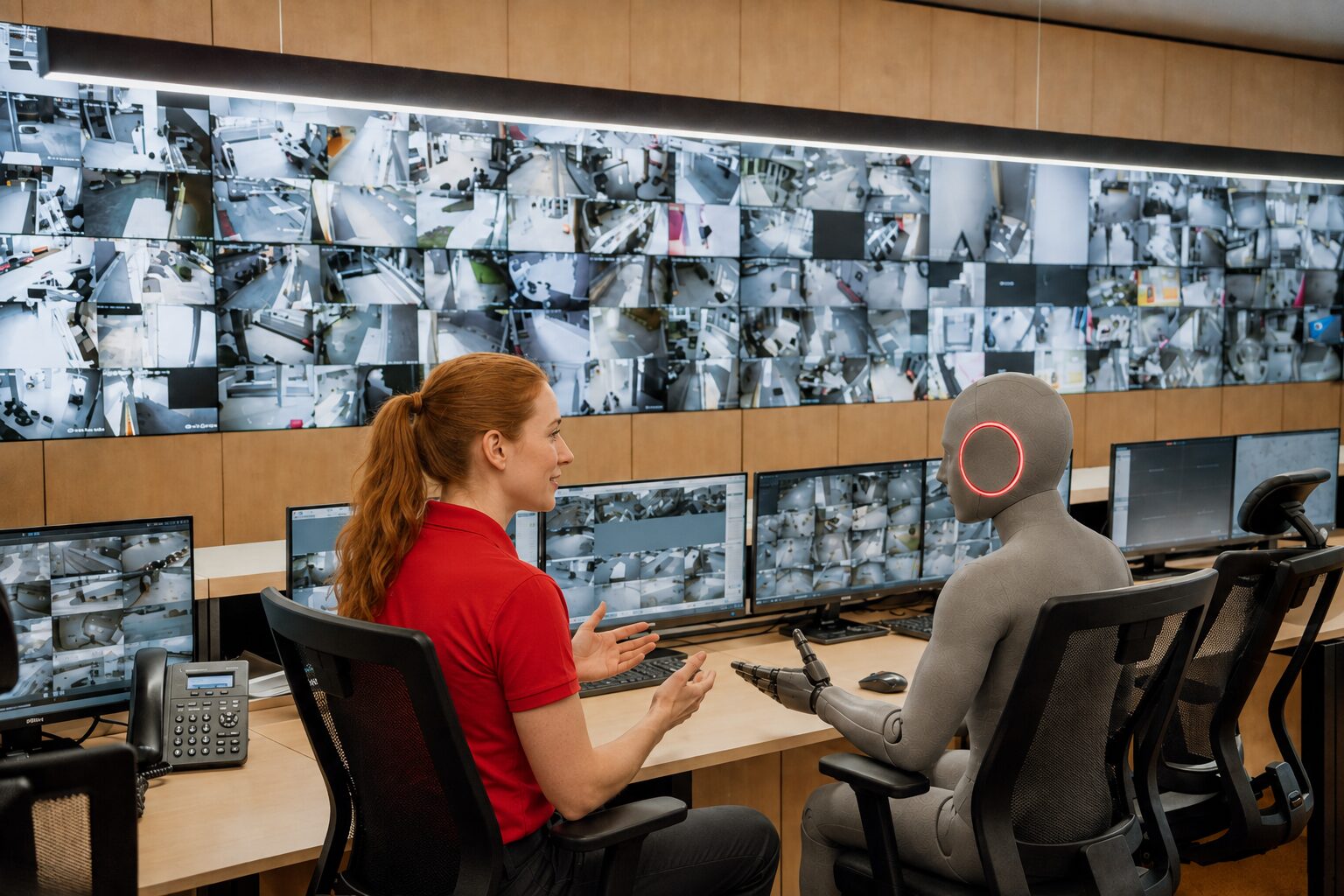
A trained security professional should then evaluate the context, verify whether a threat exists, and determine the appropriate response. This combination provides faster detection without removing human judgment from important security decisions.
A person entering a building after hours could be an intruder, an employee, a contractor, or an emergency responder. Technology can detect the activity, but people must interpret it and decide what happens next.
Effective security combines AI technology with trained monitoring professionals and a provider that understands your organization.
What Security Tasks Can AI Handle?
AI can process large amounts of information quickly.
A traditional camera records activity for someone to review later. AI-assisted video analytics can identify certain events as they happen and direct attention to the relevant camera or area.
Depending on the system, AI may detect:
- Movement in a designated area
- Activity outside expected hours
- Someone remaining near an entrance
- A vehicle entering a controlled space
- Repeated or unusual access attempts
These capabilities can help large facilities and multi-location businesses manage their security systems more efficiently.
What AI Does Well At in Security
Generating alerts
When the system detects activity that meets established rules, AI can generate an alert and send relevant information to an operator or designated contact. The alert may include the camera location, time, event type, or associated footage. A person can then review the context and determine whether the situation requires escalation.
Technology only works as well as its setup
Incorrect schedules, poorly defined detection zones, or outdated procedures can create unnecessary alerts. They may also prevent AI systems from recognizing important activity.
Your security provider should configure the system around your property, people, and daily operations.
What Is the Point of Live Human-Monitoring If AI Can Just Do It? The Risks of AI-Only Security Monitoring
AI can identify an event. Live monitoring and human awareness helps turn that alert into an informed response.
AI can handle repetitive, data-heavy security tasks such as continuously analyzing video feeds, detecting motion, identifying people or vehicles, recognizing unusual activity, filtering false alarms, and sending real-time alerts. It can also organize footage and help teams search recorded video faster. These capabilities let security personnel focus their attention on events that require judgment or action.
Security alerts rarely provide a complete explanation.
A camera may detect someone near a loading dock at 11 p.m. The alert may not explain whether the person is an employee, contractor, delivery driver, or intruder.
A monitoring professional can consider variants such a
- Was a delivery scheduled?
- Is an employee working late?
- Was a contractor expected?
- Has the person approached a restricted entrance?
- Have other sensors activated?
These are the types of questions a monitoring professional can quickly evaluate before deciding on the appropriate response, but AI may not be able to accurately handle.
Alert Review
When the system and monitoring agreement allow it, an operator may review available information before applying the correct procedure.
This review may help distinguish between:
- An intruder and an authorized employee
- Suspicious activity and a scheduled delivery
- A genuine event and an equipment issue
- A single alert and a developing situation
The goal is not to delay action. It is to support a response that fits the event.
Your Content Goes Here
Clear Communication
An automated notification may tell you that an alert occurred. A monitoring professional can provide more useful information, including:
- The type of alert
- When it occurred
- Which area it affected
- What information is available
- What action has already been taken
The operator may then contact a facility manager, business owner, employee, technician, or emergency responder according to the client’s instructions.
Incidents Can Change Quickly
Automated systems follow predefined rules. Real incidents do not always follow a predictable sequence.
One alert may trigger another. A person may move from an exterior area toward a restricted entrance. An employee may confirm that no visitor was expected.
A monitoring professional can reassess the situation as new information becomes available. The operator can then follow the agreed response plan and contact the appropriate people.
Unusual Activity Is Not Always Dangerous Activity
AI can detect activity that meets a rule or falls outside an expected pattern. That does not automatically make the activity a threat.
An employee arriving early may trigger an after-hours alert. A contractor carrying tools through a side entrance may appear suspicious. A delivery vehicle may enter an area that usually remains empty overnight.
Human review can help distinguish expected activity from a potential security event.
This is also why the provider-client relationship matters. Your provider must know who may access the property, when activity usually occurs, and which events require escalation.
Every Property Operates Differently
Normal activity at one property may be suspicious at another.
A manufacturing facility may operate around the clock. An office building may remain empty after 7 p.m. A side entrance may serve employees at one location but function only as an emergency exit at another.
Effective monitoring should reflect:
- Operating hours
- Shift schedules
- Restricted areas
- Employee access
- Contractor procedures
- Delivery schedules
- Emergency contacts
- Location-specific risks
Your organization and security provider should document these details during system planning. They should also review them as your business operations change.
What Is Live Security Monitoring?
Live monitoring does not always mean someone watches every camera continuously.
Depending on the system, cameras, alarms, sensors, and access-control devices generate alerts when they detect specific events. A monitoring professional receives the alert and follows the procedures established for your organization.
The system may report:
- Entry outside normal business hours
- Activity in a restricted area
- An intrusion alarm
- A fire or safety-related signal
- A device failure
- A communication problem
- An environmental condition
The response depends on the type of alert, the location, the time, and the client’s instructions.
A warehouse that operates overnight needs different procedures from a school, medical office, or retail store. Even two locations owned by the same company may have different schedules, contacts, and access rules.
That is why effective monitoring requires collaboration. Your security provider must understand how your property operates before it can create useful response procedures.
Customized Response Procedures
Your organization should not follow the same response plan as every other business.
You and your security provider should decide:
- Who should receive the first call
- Which events require immediate escalation
- How operators should handle after-hours activity
- How procedures differ across locations
- What happens when equipment loses communication
These decisions work best when your provider understands your property and operations.
Solucient’s Pathway to Partnership starts with this discovery process. We work with your team to create a security plan that reflects how your organization actually operates.
System-Health Awareness
A security system cannot perform properly when a camera is offline, a sensor has failed, or equipment has lost communication.
Monitoring should address both security events and technical problems.
A responsive provider should help identify system issues, explain their impact, and coordinate the next step. This support can reduce the risk of an unnoticed gap in coverage.
How AI and People Work Together
An AI-assisted monitoring process usually involves four stages.
1. Technology Detects Activity
A camera, alarm, sensor, access-control device, or analytic rule identifies an event.
2. The System Generates an Alert
The technology directs attention to the relevant area, device, or activity.
3. A Monitoring Professional Applies Context
The operator reviews the available information and follows the procedures established for the client.
4. The Operator Starts the Appropriate Response
The operator may contact a designated person, document the event, escalate the situation, or take another agreed action.
Each participant has a clear role:
- Technology provides speed and consistency.
- Monitoring professionals provide judgment and communication.
- The client’s team provides operational knowledge.
- The security provider connects these elements through planning and support.
Security works better when everyone understands their responsibilities and keeps procedures current.
Live Monitoring Helps Protect People
Commercial security often focuses on buildings, equipment, and inventory. However, a strong security strategy also supports the people who use the property.
That may include:
- Employees arriving early or leaving late
- Staff working alone
- Students, patients, customers, and visitors
- Contractors entering controlled areas
- Managers responsible for several properties
Monitoring can provide another layer of support when a building is closed, lightly staffed, or managed remotely.
It also gives the security provider a broader responsibility. The provider must understand how people use the property, not just where to install cameras and sensors.
That requires ongoing communication.
Why the Relationship Matters After Installation
Your organization will continue to change after the security system is installed.
Employees leave. New people join. Business hours change. Phone numbers become outdated. Buildings expand. Companies open new locations.
These changes can affect both the technology and the response plan.
A long-term security provider should help you:
- Update contact information
- Revise response procedures
- Review changes to the property
- Address equipment problems
- Train employees
- Plan future upgrades
- Adapt the system as operations change
This separates a security partnership from a one-time equipment purchase.
Solucient’s Pathway to Partnership begins with discovery and continues through system design, installation, training, monitoring, service, and future planning.
Regular communication helps keep your technology and procedures aligned with your current operations.
Questions to Ask a Monitoring Provider
Before choosing a commercial security provider, ask how the company will work with your team.
How Do You Create Monitoring Procedures?
The provider should learn about your operating hours, restricted areas, contacts, and risks before creating a response plan.
Can Procedures Vary by Location?
Multi-site businesses may need different schedules, contacts, and escalation processes for each property.
Who Receives and Responds to Alerts?
Ask who handles the monitoring, what information operators receive, and what actions they can take.
How Do We Update Account Information?
Confirm how authorized users can update phone numbers, contacts, schedules, and response instructions.
Do You Monitor System Health?
Ask how the provider identifies camera failures, low batteries, communication problems, and other technical issues.
What Support Continues After Installation?
Find out who provides training, service coordination, account reviews, and future planning.
The answers will show whether the company plans to sell you equipment or build a long-term working relationship.
Frequently Asked Questions About Secure Vestibules
Solucient’s Pathway to Partnership
At Solucient, we believe technology should help people make better security decisions.
We begin by learning:
- Who uses your property
- When normal activity occurs
- Which areas need additional protection
- How your team wants different events handled
- Which problems your current system does not solve
This process helps us recommend a solution based on your operations instead of offering a standard package.
Your system may include video surveillance, access control, intrusion detection, fire and life-safety technology, emergency notification, or other monitoring solutions.
Our work continues after installation.
Through the Pathway to Partnership, we support clients with training, monitoring, service, account management, and future planning. When your organization changes, we help review whether your technology and procedures still fit your needs.
Smart Security Still Uses Humans - The Hybrid Approach
AI has improved how commercial security systems detect and organize information.
It can identify activity, prioritize events, and generate alerts quickly. But an alert alone cannot explain what happened or decide the best response.
People still provide context, communication, and judgment.
The strongest approach combines intelligent technology, trained monitoring professionals, and a security provider that understands your organization.
At Solucient, we do more than install equipment. We learn how your organization operates, work with your team, and remain involved as your needs change.
That is the difference between buying a security system and building a security partnership.
Ready to strengthen your security approach? Contact Solucient today to schedule a complimentary security review and discuss your organization’s security needs.
Frequently Asked Questions
Can AI Replace Live Security Monitoring?
AI can detect activity, analyze patterns, and generate alerts. It may not have enough context to interpret every event or coordinate the correct response. Human involvement adds judgment, communication, and accountability.
Does Live Monitoring Mean Someone Watches Every Camera?
Not necessarily. Monitoring often involves operators receiving alerts from cameras, alarms, sensors, and other devices. The exact process depends on the system and service agreement.
Can Live Monitoring Reduce Unnecessary Alarms?
Alert review may help determine whether some events require escalation. Proper system design, accurate schedules, employee training, current contact information, and regular maintenance also help reduce unnecessary alarms.
Why Should Monitoring Procedures Be Customized?
Every organization has different hours, restricted areas, risks, and emergency contacts. Customized procedures help operators respond according to how the property actually operates.
What Is Solucient’s Pathway to Partnership?
The Pathway to Partnership is Solucient’s relationship-focused approach to commercial security. It starts with understanding the client’s people, property, and priorities. It continues through system design, installation, training, monitoring, service, and ongoing support.