
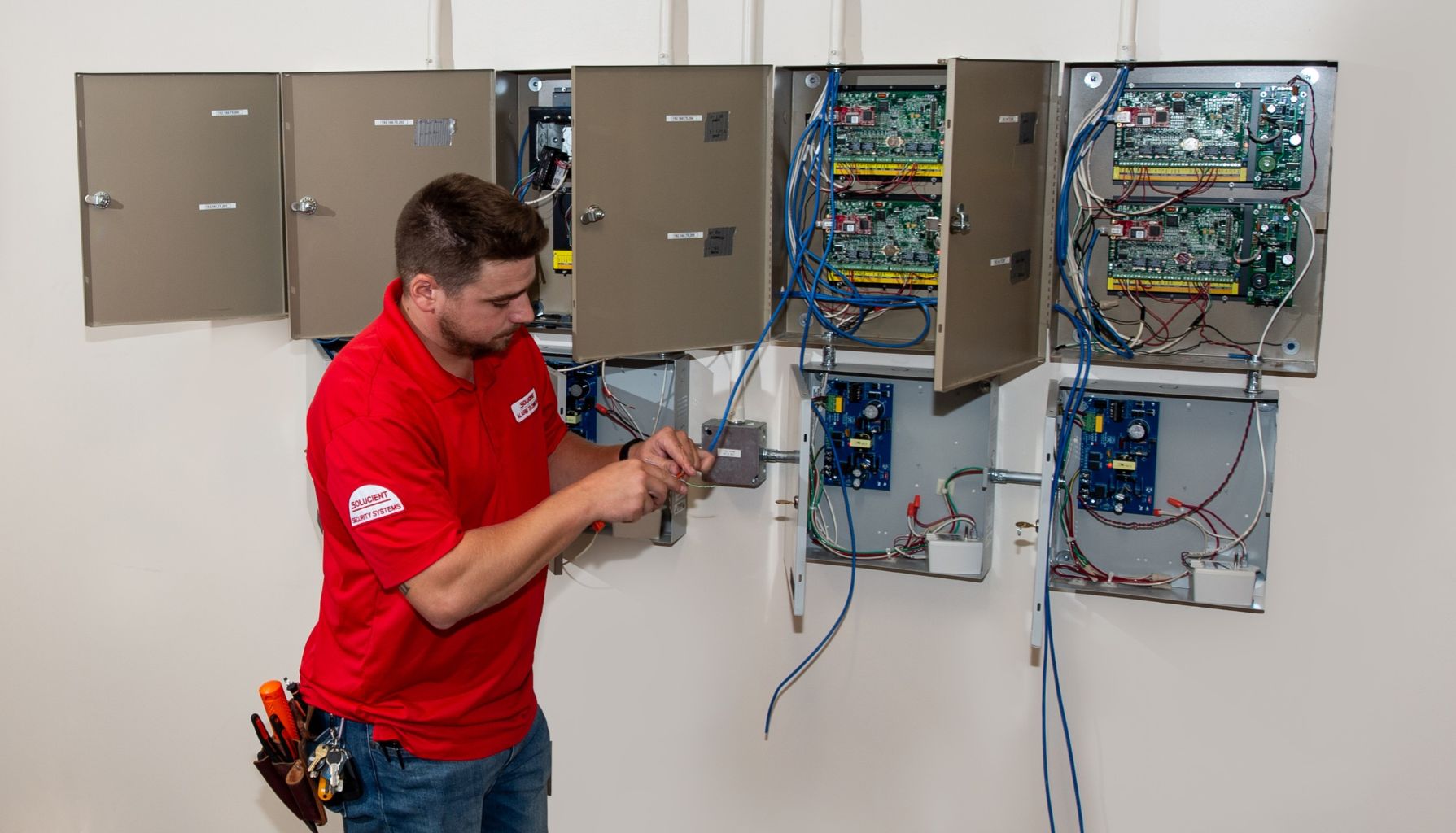
Quick Answer: Why Do the Same Security Problems Keep Coming Back?
Security problems often return because a repair restores equipment without addressing the underlying cause. Recurring false alarms, missing camera footage, and access control issues may involve system settings, employee procedures, equipment faults, or changing business operations. Identifying the cause and testing the correction helps prevent repeated disruptions.
A door stops unlocking. An alarm falsely goes off after closing. A camera appears to be working, but the footage you need is missing.
When the same issue keeps returning, restoring the system is only part of the job. You also need to understand what caused it.
Repeat service calls take time, disrupt work, and can leave the underlying risk unresolved.
For business owners and facilities, operations, HR, and IT leaders across Michigan and Illinois, this guide explains what to check before paying for another fix. The examples cover concerns that arise in warehouses, retail stores, healthcare facilities, and offices.
Review equipment, settings, procedures, and responsibilities together to identify what needs to change.
Why do security problems return after a repair?
A repair may restore a device without addressing the circumstances behind the problem.
Consider a hypothetical office whose alarm activates every Thursday evening. Its event history reveals that a cleaning crew now arrives after the scheduled arming time. Resetting the alarm restores operation, but the schedule conflict remains.
The next step is to review authorized working hours, access arrangements, and arming procedures. Replacing a sensor without investigating that pattern could leave the business with the same disruption.
At Solucient, our discovery process brings your team into the conversation to clarify challenges and priorities before we design a solution. Understanding how the building operates helps us identify what needs to change.
Why are we still experiencing theft when we have cameras?
Video surveillance can help deter unwanted activity and provide evidence after an incident. Its effectiveness depends on coverage, usable recordings, and how the business responds to what happens.
Identify where and when losses occur. In a retail store, compare stock-handling records with storage-room activity. In a warehouse, review deliveries, loading areas, and unattended entrances.
Imagine a camera recording a loading dock while a side door stays open for deliveries. Another camera may improve the view while leaving the access gap unresolved.
Review entrance security, delivery procedures, and access permissions. Establish whether losses reflect theft, handling mistakes, or another issue before drawing conclusions.
Solucient designs video surveillance systems around a business’s locations, workflows, and specific concerns. That context helps determine what the cameras need to show and how surveillance should support the wider security plan.
Why does our business alarm keep going off?
Repeated alarms need investigation. Assuming every activation is another false alarm can make it harder for employees to respond appropriately when something requires attention.
Start with the event history. Identify the affected zone, the time of activation, and what was happening at the property. Compare that information with staff schedules, deliveries, cleaning visits, and recent changes to the building.
For example, a new evening shift may overlap with an existing arming schedule. A door that does not close consistently may need a physical inspection. A recurring device fault may require technical service.
Ask what the evidence indicates and what still needs testing. Record the correction so the next service visit builds on what has already been learned.
Solucient’s intrusion detection services include monitoring and alarm verification capabilities. The procedures that apply depend on the system and signal type, so confirm how your own activations are handled.
A real example from Great Lakes Taco
Great Lakes Taco, an operator of more than 40 Taco Bell restaurants, faced repeated false alarms that disrupted operations and triggered unnecessary callouts. We installed verified intrusion detection backed by our in-house support team. Our published client story reports that false alarms were drastically reduced, saving the team time and money.
The result shows why reviewing detection and support arrangements matters when repeated activations undermine confidence in a system.
Why is our security camera footage missing or unclear?
A live camera image does not confirm that the required footage is being recorded, retained, or captured clearly enough to answer your questions.
Start with the purpose of the view. A camera overlooking a parking area may show movement without capturing the detail needed at an entrance. New shelving can also obstruct a previously useful view.
Check these four things before assuming you need a new camera:
- Can an authorized employee retrieve the recording from the relevant time?
- Does the image show the detail needed to understand an incident?
- Is the view useful after dark and during normal operating activity?
- Does the retention period cover when your business is likely to discover and report a problem?
Camera positioning, lighting, recording settings, and storage should be reviewed together. An image-quality problem and a missing-recording problem may require different corrections.
Solucient performs routine health checks to monitor camera-system operation. For a footage problem, the practical test is whether the required recording can be retrieved and played back.
Dealing with repeated alarms or footage gaps? Book a 15-minute review call to discuss what keeps happening, what you have tried, and the appropriate next step.
Can former employees or contractors still access our building?
A credential can remain active after someone’s need for access ends. Preventing that gap requires a reliable process and appropriate technology.
HR may communicate an employee’s departure. A designated administrator may remove the credential. Facilities or operations may confirm which locations and restricted areas the change affects. Someone should verify completion.
During an access review, check:
- Former employees and contractors with active credentials.
- Permissions that no longer match current roles.
- Temporary or after-hours access that is no longer needed.
- Shared credentials that make activity harder to attribute.
For a healthcare facility, this could involve reviewing access to staff-only areas as roles change. For an office, it may involve contractors whose work has finished.
Solucient’s access control solutions support managing credentials, restricting entry by location or schedule, and reviewing access activity. Those capabilities work best when the organization assigns responsibility for keeping permissions current.
Why do employees keep propping open secured doors?
Speak with the people using the entrance. Deliveries may require repeated trips. Staff may lack the right credentials, struggle with the hardware, or misunderstand the procedure.
Observe the workflow and identify the obstacle. The response may involve hardware service, updated permissions, a different delivery arrangement, or clearer instructions.
A security procedure needs to work during a normal shift. Otherwise, the same workaround may return after another reminder to keep the door closed.
Giving authorized staff the right door permissions for their shifts can remove one reason to prop a door open.
At Solucient, we design access control around daily operations and access requirements. Discussing how employees and deliveries move through the building helps us identify a practical arrangement for that entrance.
Who should I call when my security system stops working?
Your team should know who receives the first call, who coordinates technical support, and who confirms that the issue is resolved. A recording interruption may involve connectivity, power, storage, or the camera. An access problem may involve both permissions and door hardware.
Assign one coordinator to gather information, involve the appropriate teams, and track the issue through to resolution.
In our work with Precision Vehicle Logistics, fragmented vendors had created inconsistent service and unclear accountability. We became its single-source security partner and implemented unified access control, surveillance, and mass notification systems across locations. The published story reports consistent service and streamlined operations.
Our partnership approach includes a dedicated Client Relationship Sales Specialist and an in-house Central Station team available 24/7/365. Confirm the support process and escalation contacts for your own system so staff know what to do.
Should we repair or replace our business security system?
The recommendation should follow the findings. A recurring issue does not automatically mean the entire system needs replacing.
| What the Review Finds | What to Consider |
|---|---|
| One failed component in an otherwise suitable system | Targeted repair or component replacement |
| Settings that no longer match operating hours or access needs | Reconfiguration and testing |
| Employees struggle with routine tasks | Practical training and clearer procedures |
| A specific gap in coverage or functionality | A targeted upgrade |
| Widespread reliability problems or unsupported equipment | A phased upgrade or broader replacement |
Ask your provider to explain which problem each recommendation addresses, what existing equipment can remain, and how the change will be tested. Compatibility, ongoing support, and disruption to the business should all inform the decision.
Solucient’s Solution Design Team works with your Client Relationship Sales Specialist to develop recommendations around the challenges and priorities identified during discovery. Bring details of existing equipment and recurring issues to that discussion.
Questions to ask your security provider before approving changes
Use these questions to make the recommendation easier to evaluate:
- What evidence points to the cause of this problem?
- Does the recommendation address equipment, settings, procedures, or several of these?
- What can we keep, and why does anything need replacing?
- Who will test the correction, and under what conditions?
- Who should we contact if the same problem returns?
A useful follow-up connects the repair to the original concern. If alarms kept interrupting operations, review whether the same activations continue. If footage was unusable, test the revised view under the conditions that caused difficulty.
Agree on a review period appropriate to the issue. Document the result and identify who will report further problems. Revisit the setup when shifts, layouts, or access requirements change.
Our Pathway to Partnership includes continued communication after installation so changes in your business can inform future security decisions.
Get help with the security problem that keeps coming back
At Solucient Security, we work with businesses across Michigan and Chicago to understand their operations and build security solutions around their needs. Whether the concern is repeated alarms, missing footage, access gaps, or inconsistent support, the starting point is understanding what is happening and why.
Schedule a complimentary Security & Operations Review. The first step is a 15-minute discovery call to discuss your challenges and priorities. If there is a good fit, we will connect you with a dedicated Client Relationship Specialist to continue discovery and determine the next steps.